
Transcript:
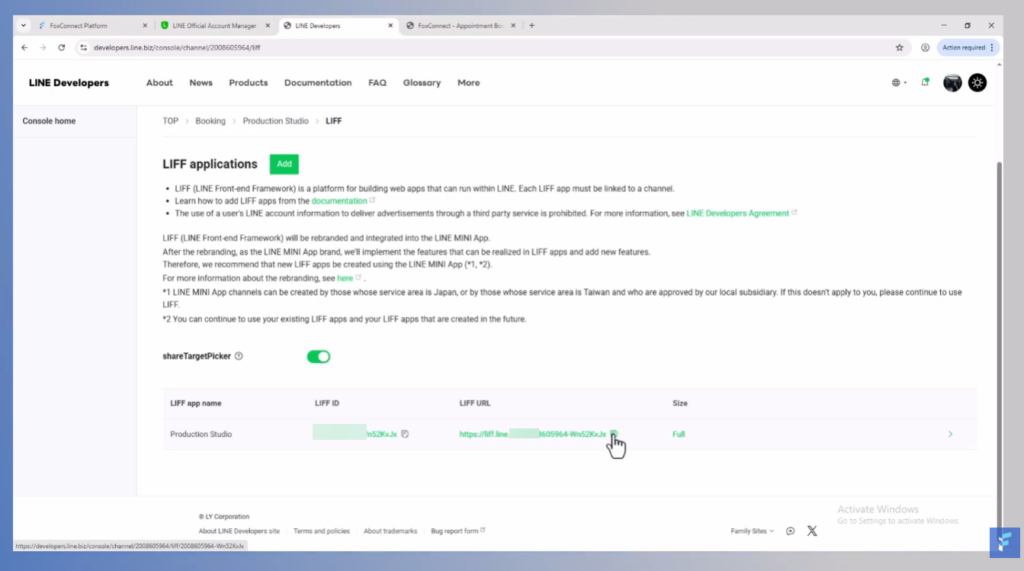
Go to developers. Line. Biz and login. Then, login with your Line account. Scroll down to Providers and click on the provider that you set up before. Then here, pick the correct channel. Usually, there will be only one to pick. On this page, first click on the Lift tab.
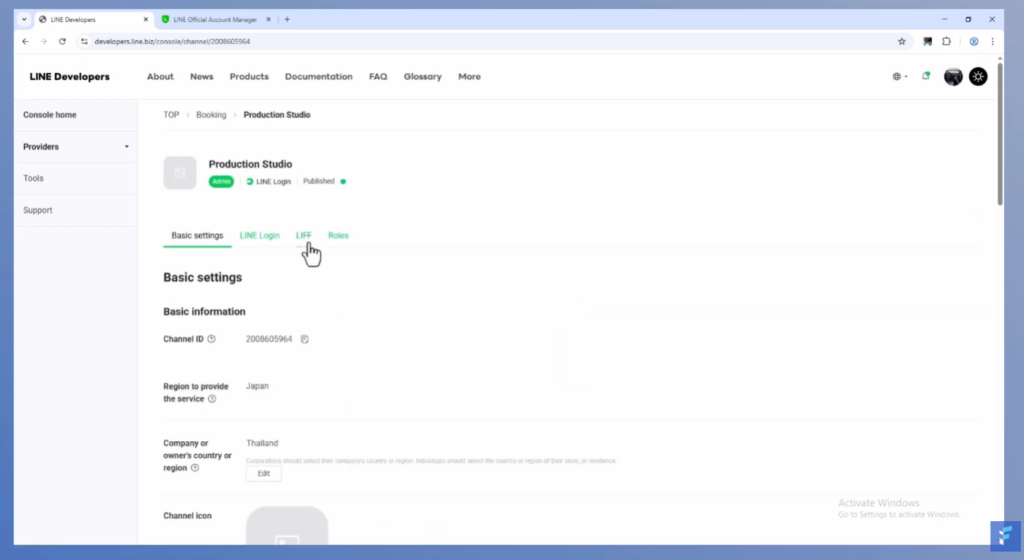
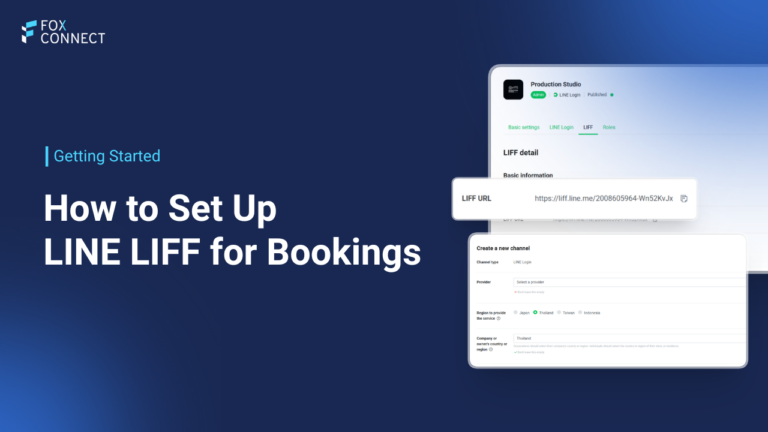
Scroll down and find the lift URL and copy see it. Save this link. This is the booking link that you can share with your customers and from which they can enter the booking system. When clicking this link, customers will reach your booking system and can start making a booking.